Works inside Claude, ChatGPT PLUS Dots, Muse, Grok Bot, OpenClaw etc!
Turn AI-generated pages into links you can share.
Claude and ChatGPT create polished reports, proposals, and one-pagers. Shared Links publishes them to a clean URL — and lets you edit the text right on the page.
Included in every plan · Cancel anytime · Your data is never used to train AI models
Turn the attached analysis into a client-ready one-pager and give me a link I can send to the client.
Here's your link: teamcentral.app/share/link/k7Qm2xB. Anyone can view it, and you can edit the text right on the page. Want me to draft the email in your Gmail?
Sound familiar?
Your AI made a great-looking report — and it's stuck inside a chat window.
Fixing one typo means another round of prompting and regenerating.
Links you've shared are scattered and impossible to keep track of.
There's a better way.
Upload any AI-generated HTML artifact to a shareable link, then edit the text right on the page — no clunky chat interface. Perfect for client-ready reports, presentations, and documents.
Turn the attached analysis into a client-ready one-pager and give me a link I can send to the client.
Here's your link: teamcentral.app/share/link/k7Qm2xB. Anyone can view it, and you can edit the text right on the page. Want me to draft the email in your Gmail?
Works inside
- Claude
- ChatGPT
- OpenAI Dots
- Meta Muse
- Grok Bot
- OpenClaw
- Any MCP-compatible agent
How it works
Edit and share AI artifacts.
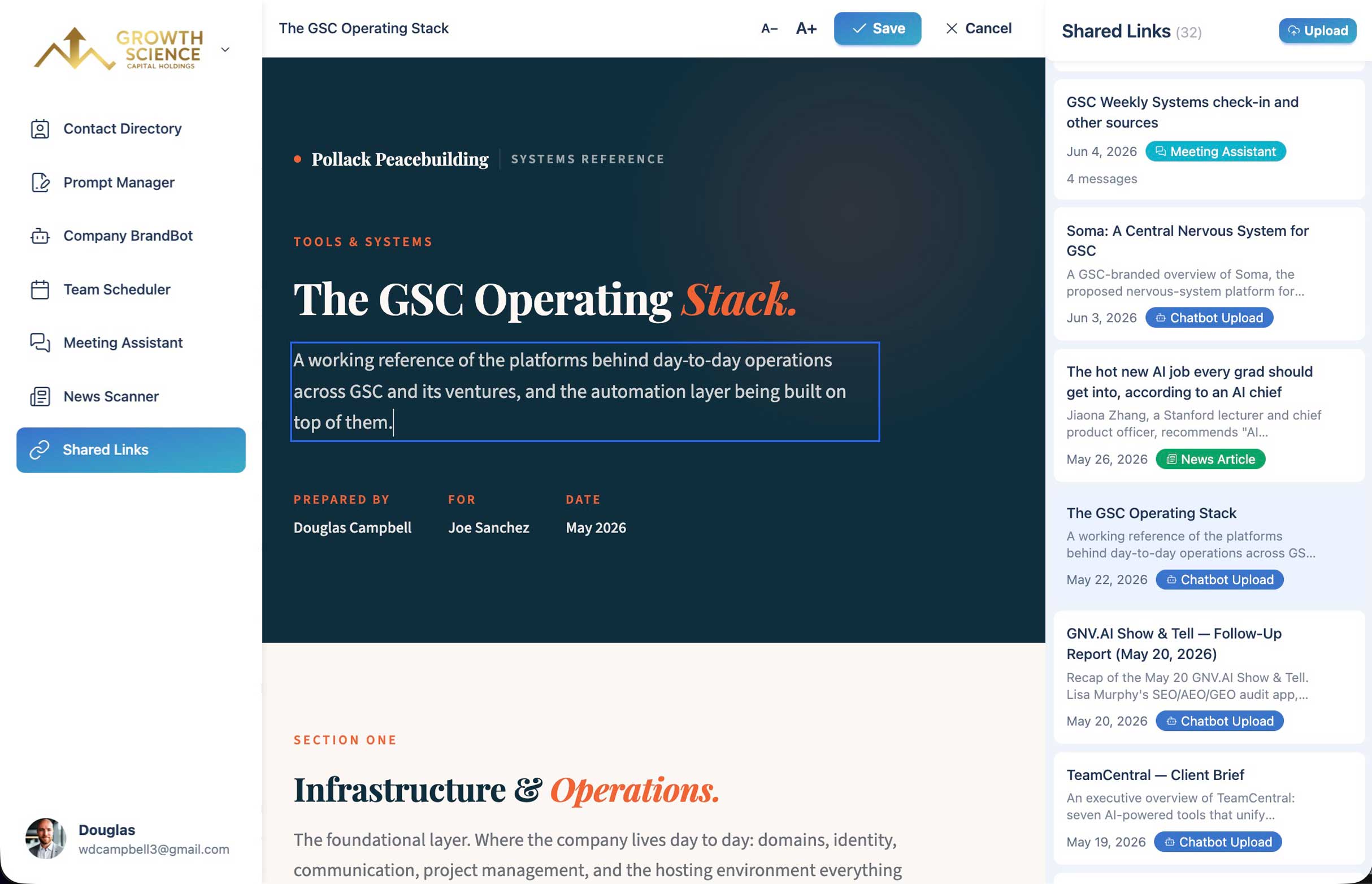
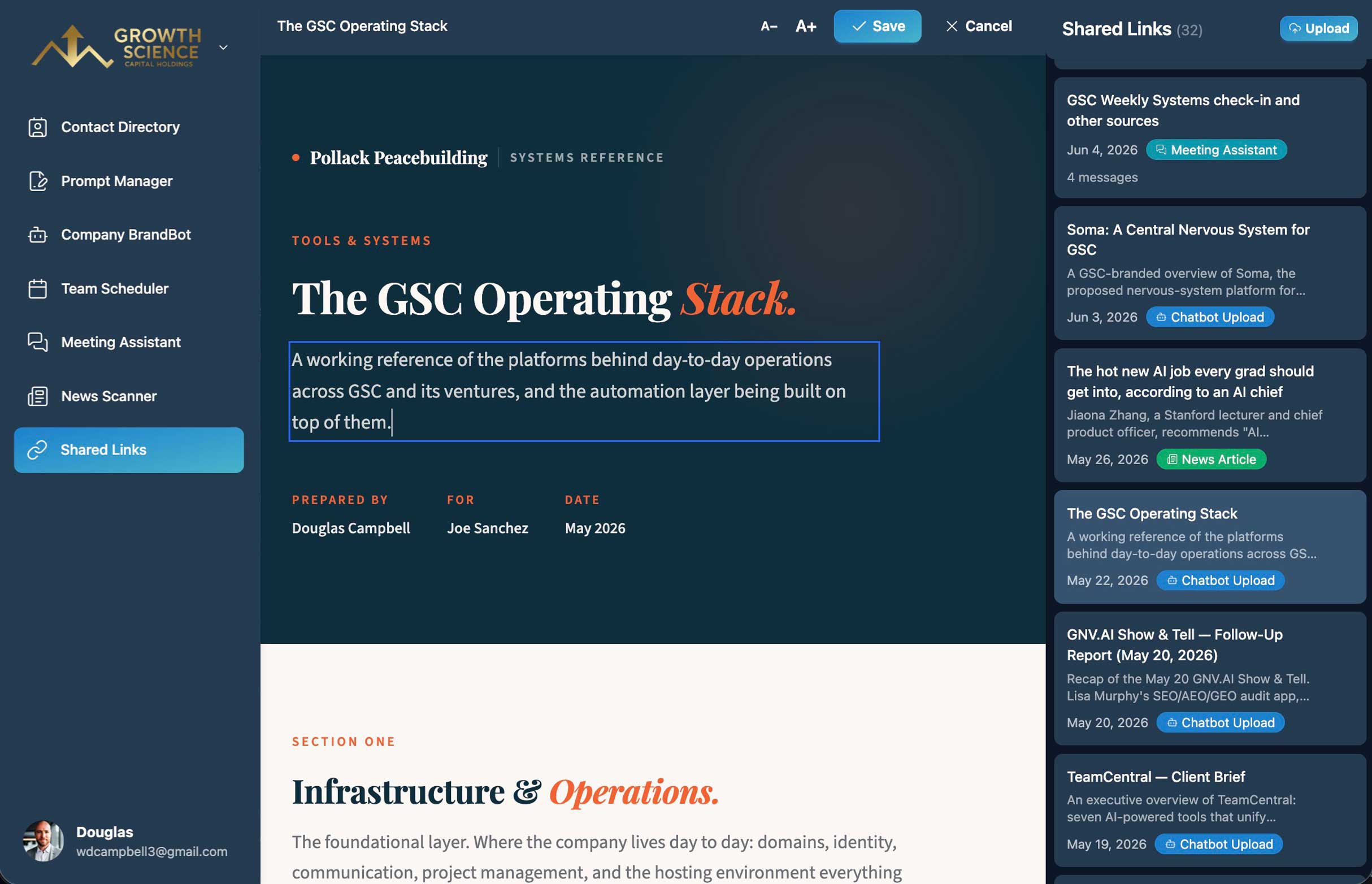
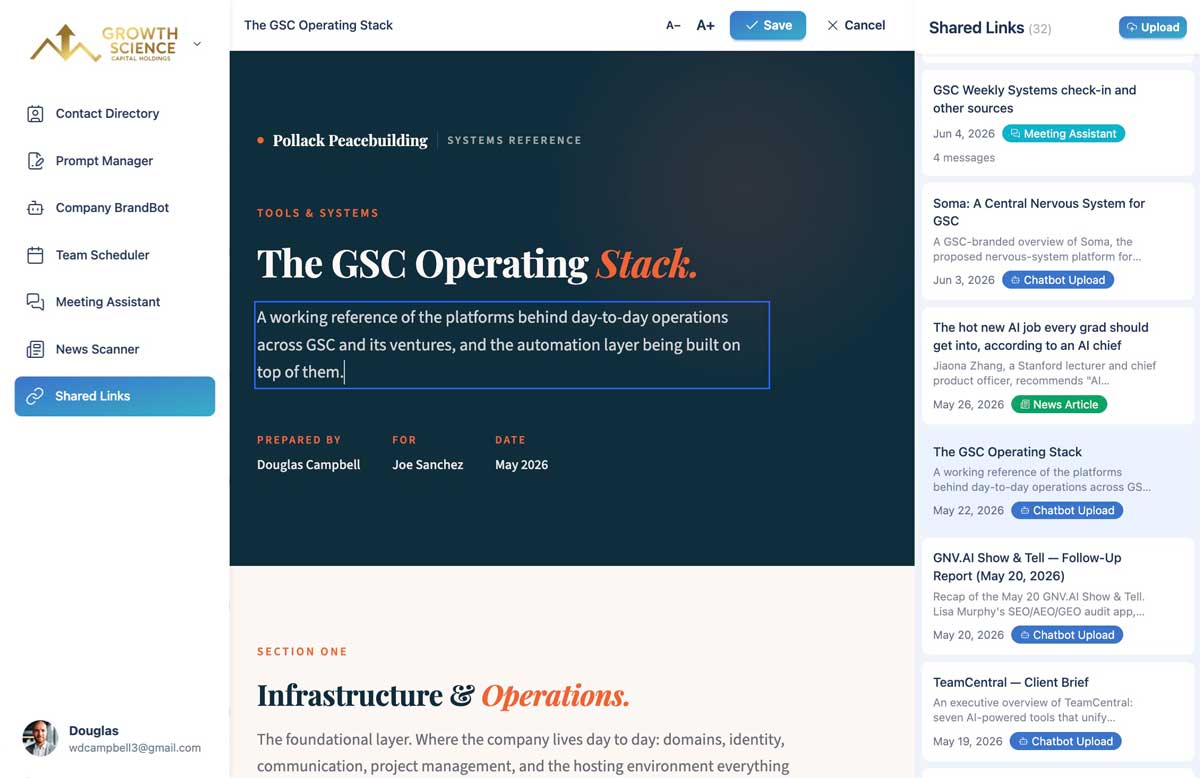
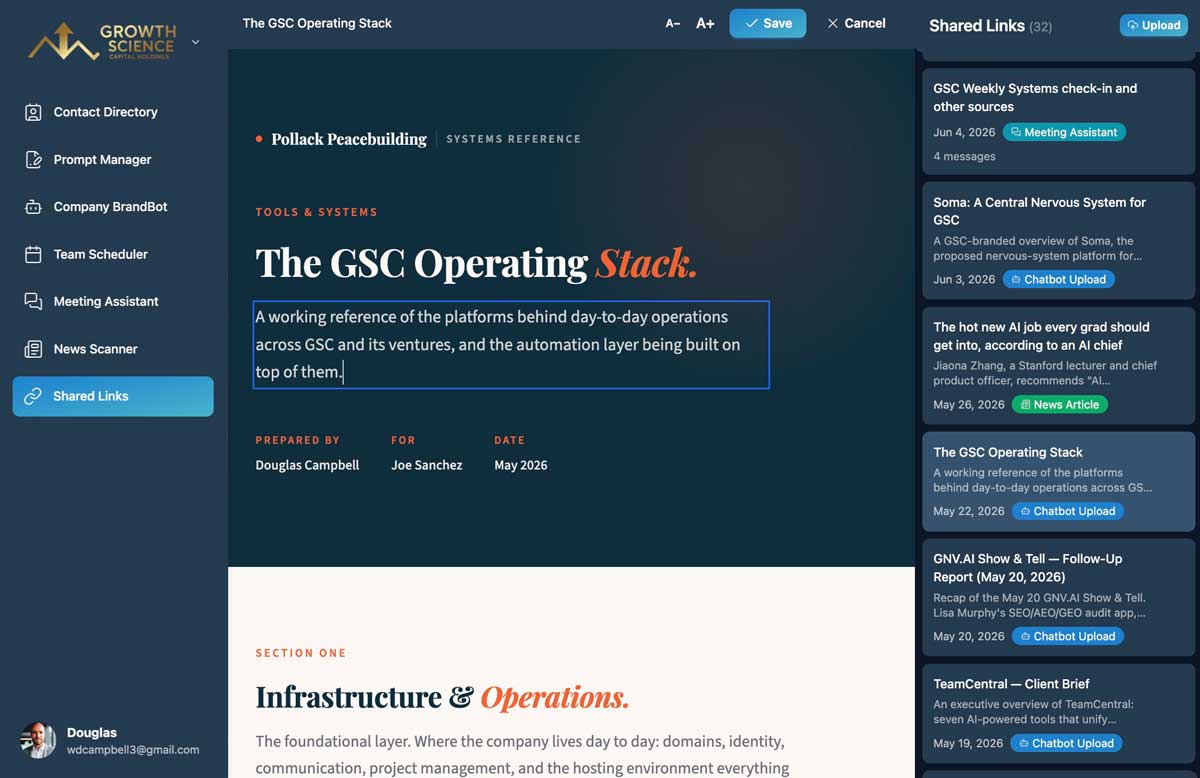
- 1
Publish your page
Upload an HTML file, or have Claude or ChatGPT publish it directly through the MCP Connector.
- 2
Edit in place
Click into the page and change the text directly — no regenerating required.
- 3
Share the link
Send a short link to clients or teammates. Viewers don't need an account.
What you get with Shared Links
Short, clean URLs
Every page gets a short link that's easy to send and looks professional.
Inline editing
Edit text right on the page. For larger or interactive pages, replace the file in one step.
Publish straight from AI
Claude and ChatGPT can create share links for you through the MCP Connector.
One dashboard
Pages, chat snapshots, and article shares in one place — search, star, and rename.
Download anytime
Download the HTML of any page you've published.
Revoke instantly
Delete a page and its link stops working immediately.
Shared Links FAQ
Any HTML page up to 5 MB — reports, proposals, one-pagers, and presentations generated by Claude, ChatGPT, or any other tool.
No. Anyone with the link can view the page.
Published pages stay live until you delete them. Chat and article snapshots expire after 30 days.
Inline editing works on most text-based pages. Larger or interactive pages can be updated by replacing the file.
Better together
Shared Links is one part of the TeamCentral workspace.
Team Scheduler
Easily find group availability
Company BrandBot
Maintain on-brand AI content
Meeting Assistant
Get insights and summaries
News Scanner
Track industry news and updates
Contact Directory
Find people and search for skills
Prompt Manager
Save and find your best prompts
MCP Connector
Use from your favorite AI tool
And More
Actively growing tool selection
From AI chat to shareable link — in one click
Included in every plan.