Works inside Claude, ChatGPT PLUS Dots, Muse, Grok Bot, OpenClaw etc!
Your team's workspace, inside Claude and ChatGPT.
The MCP Connector lets your AI assistant work with your TeamCentral data — find contacts, check calendars, book meetings, and draft on-brand content without leaving the chat.
Included in every plan; AI-powered tools on Professional and up · Cancel anytime · Your data is never used to train AI models
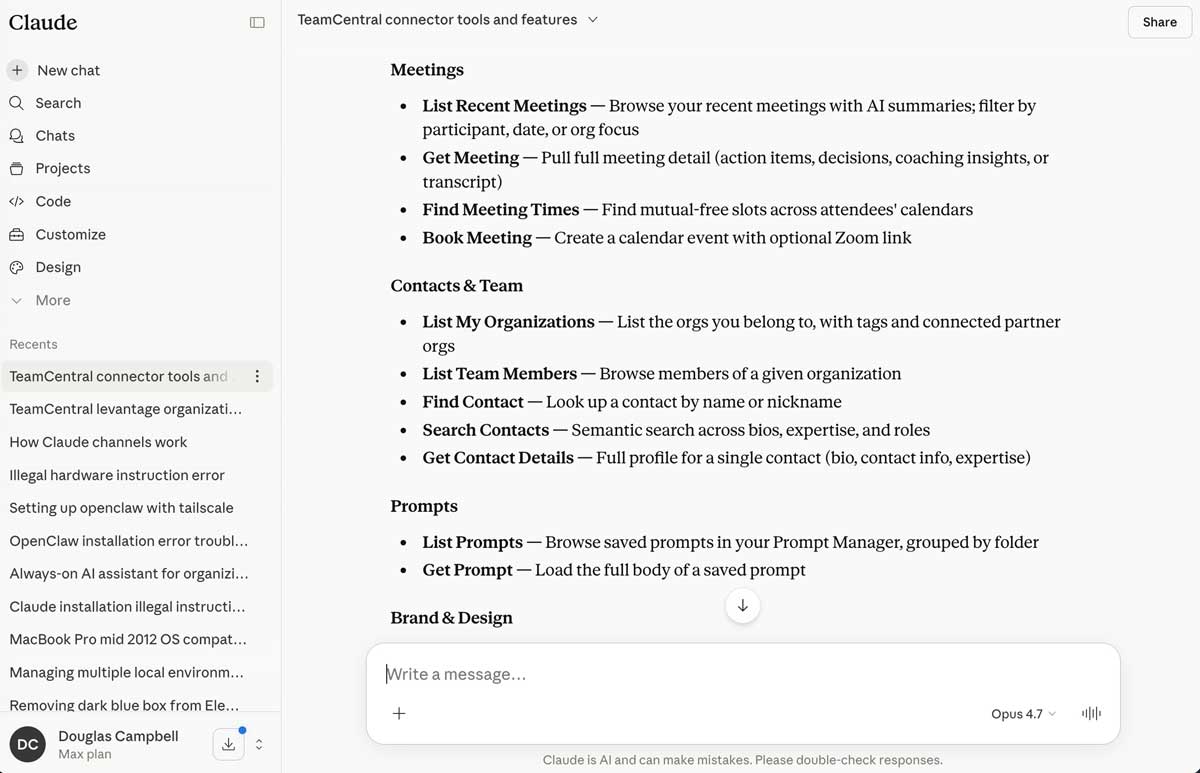
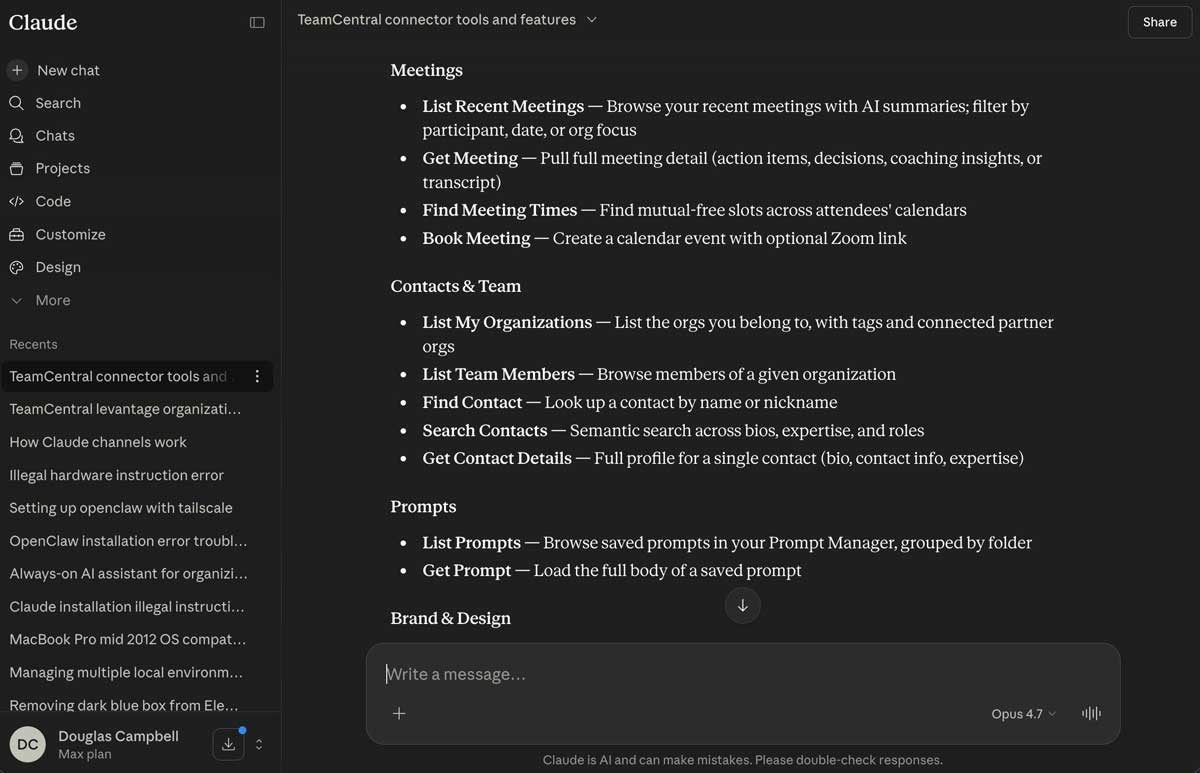
I just installed the TeamCentral MCP with one click. What tools does it have access to? What can I do with it?
TeamCentral's tools allow you to book meetings, write copy in your brand's voice, share links, get meeting summaries, and more. What would you like to do first?
Sound familiar?
You copy context from five tools into your AI chat before you can ask a question.
Your AI assistant can draft the email — but can't check anyone's calendar.
Every conversation starts from zero, without your brand, meetings, or contacts.
There's a better way.
Use TeamCentral directly inside Claude and ChatGPT — find contacts, book meetings, draft on-brand copy & graphics, and even send emails without leaving your AI chat.
I just installed the TeamCentral MCP with one click. What tools does it have access to? What can I do with it?
TeamCentral's tools allow you to book meetings, write copy in your brand's voice, share links, get meeting summaries, and more. What would you like to do first?
Works inside
- Claude
- ChatGPT
- OpenAI Dots
- Meta Muse
- Grok Bot
- OpenClaw
- Any MCP-compatible agent
How it works
Use from your favorite AI tool.
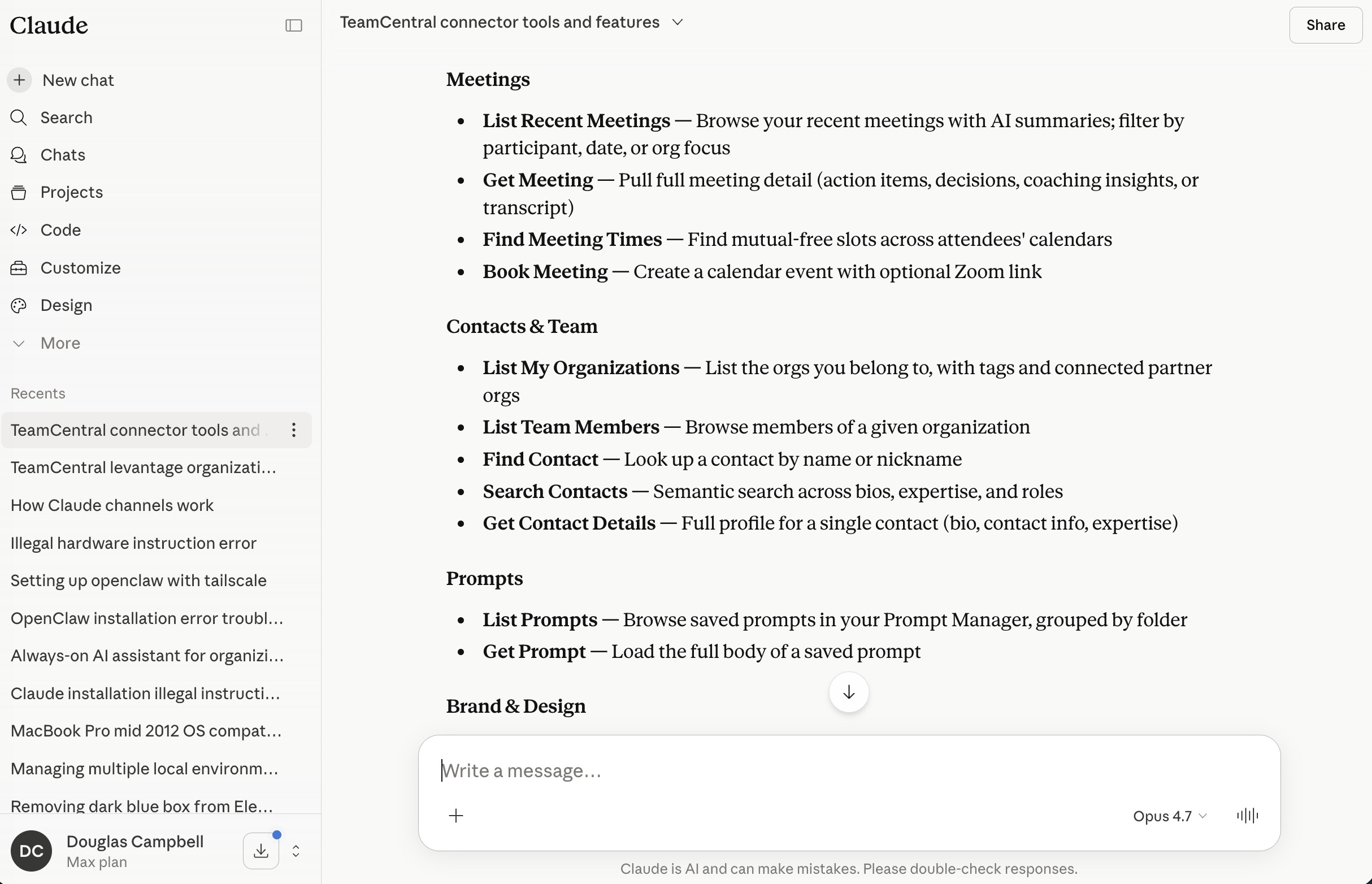
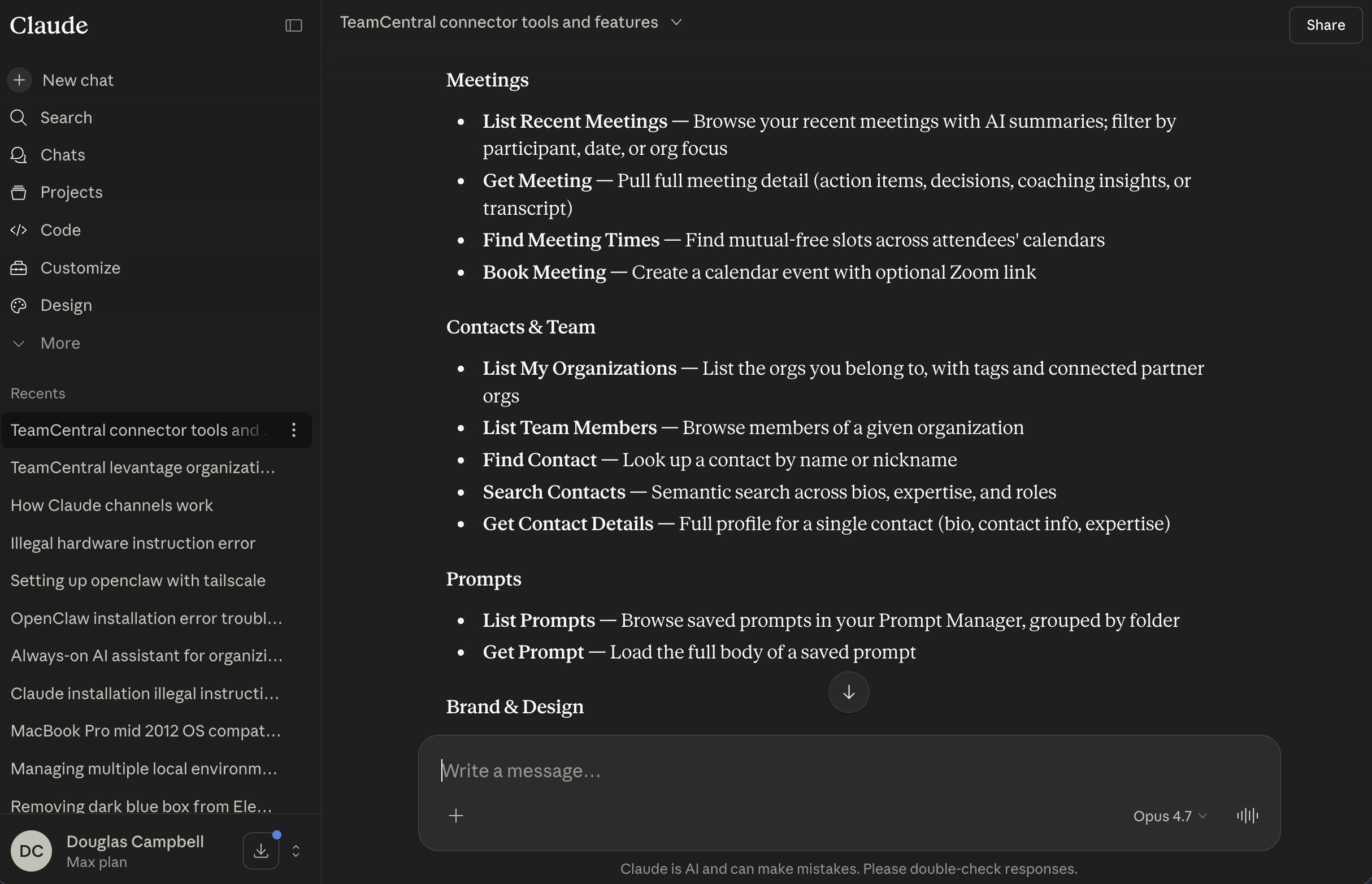
- 1
Connect once
Add TeamCentral as a connector in Claude or ChatGPT and sign in. Revoke access anytime.
- 2
Just ask
“Find a time next week with Sarah and book a Zoom.” Your assistant uses TeamCentral to get it done.
- 3
Automate the routine
Advanced users can build scheduled routines — like a daily 8 a.m. briefing email — with no code.
What you get with MCP Connector
Contacts on hand
Look up anyone in your directory and pull their details into the conversation.
Find times and book meetings
Check mutual availability across Google Calendars and book events, with Zoom if you like.
Send emails
Have your assistant send an email on your behalf, with replies coming straight to you.
Your brand voice
Load your BrandBot brand brief — and, on Organization plans, your design system — into any chat.
Meetings and news
Pull meeting summaries, transcripts, and your news digest into the conversation.
Publish and reuse
Publish AI-made pages as share links and use prompts from your Prompt Manager library.
MCP Connector FAQ
Claude and ChatGPT, plus other assistants that support the Model Context Protocol (MCP).
Every plan includes contacts, scheduling, prompts, shared links, and email. Professional and Organization add meeting transcripts, news digests, and BrandBot. The chat-accessible Design System is exclusive to Organization.
You sign in with secure OAuth and can revoke access anytime from your account. Sensitive actions like booking and sending email are rate-limited, and your data is never used to train AI models.
Emails are sent from TeamCentral under your name, with replies going directly to your own inbox.
Better together
MCP Connector is one part of the TeamCentral workspace.
Team Scheduler
Easily find group availability
Company BrandBot
Maintain on-brand AI content
Shared Links
Edit and share AI artifacts
Meeting Assistant
Get insights and summaries
News Scanner
Track industry news and updates
Contact Directory
Find people and search for skills
Prompt Manager
Save and find your best prompts
And More
Actively growing tool selection
Put your whole workspace inside your AI chat
Included in every plan; AI-powered tools on Professional and up.