Works inside Claude, ChatGPT PLUS Dots, Muse, Grok Bot, OpenClaw etc!

Ask your AI. TeamCentral gets it done.
Book meetings across organizations, find the right contact, prep for calls, and write on-brand content — from Claude, ChatGPT, or right inside TeamCentral. Built for consultants, growing startups, and remote teams.
Cancel anytime · Your data is never used to train AI models
Integrates directly with
The problems we solve. The tools that solve them.
Eight tools, one workspace — and every one works from your AI assistant.
Team Scheduler
Coordinating schedules across a team means endless back-and-forth.
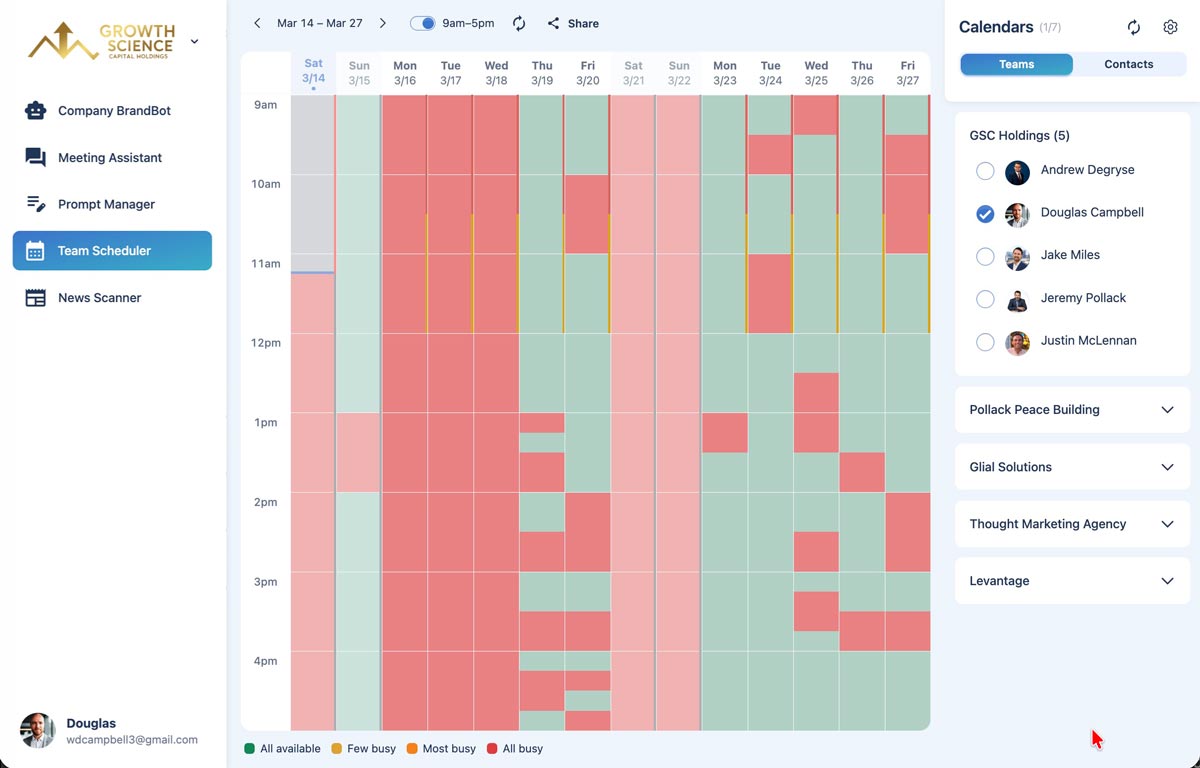
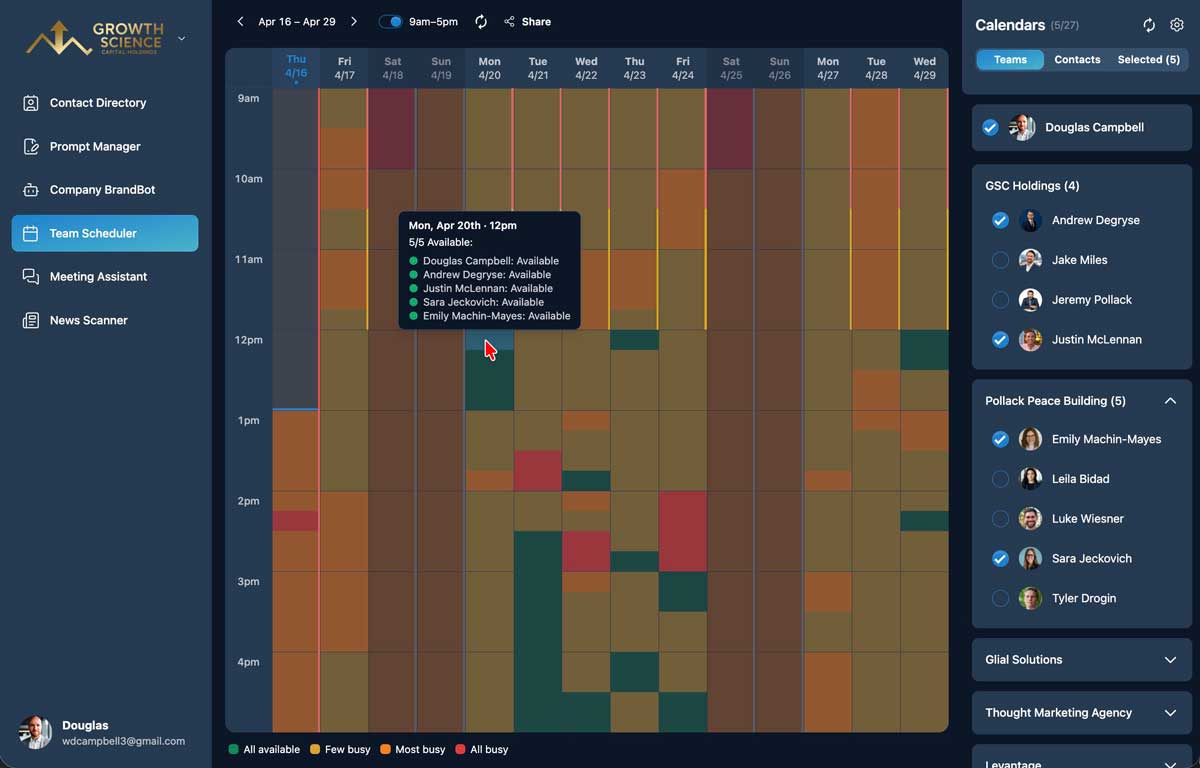
See when everyone is free — across your team, other organizations, and personal Google accounts — and book in one click, with a Zoom link included.
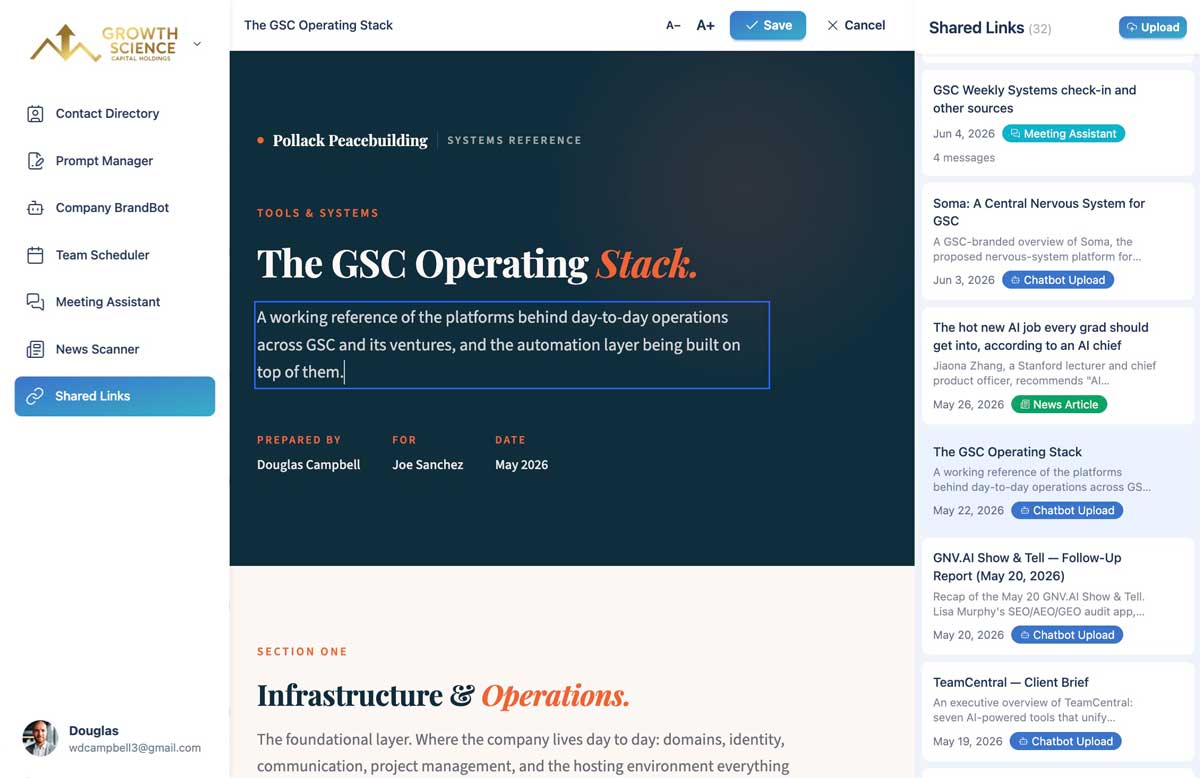
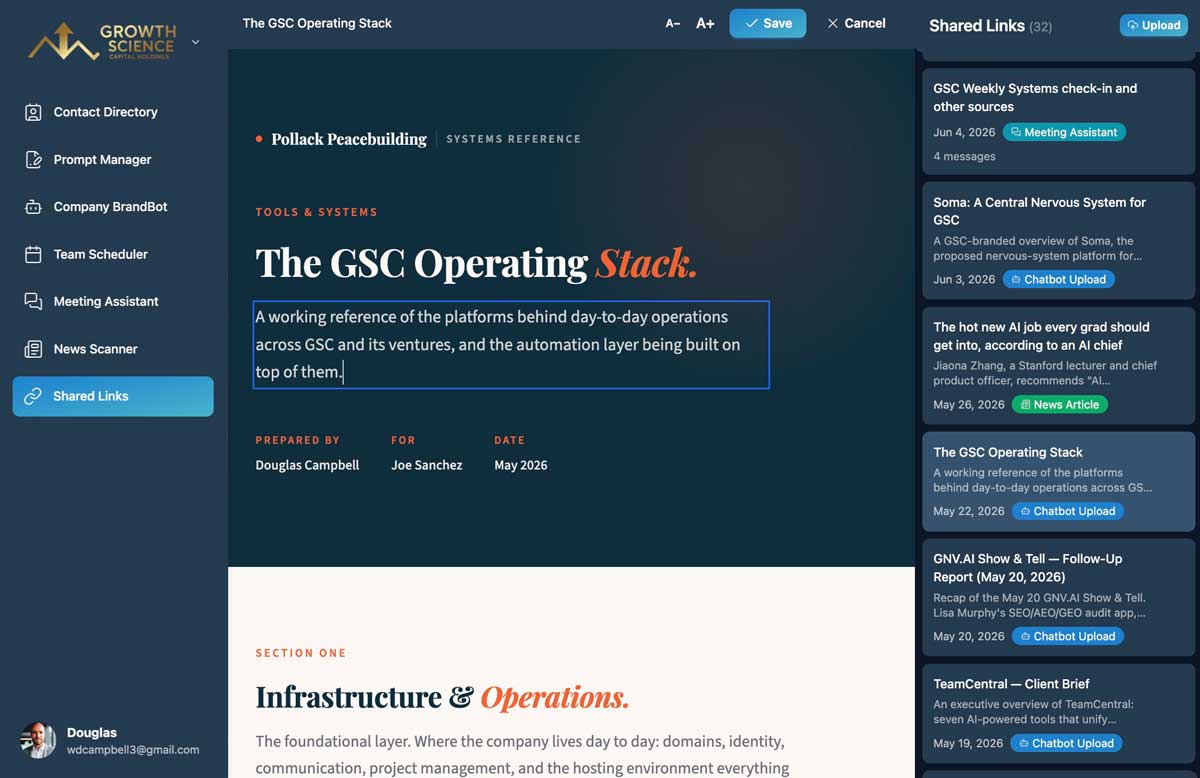
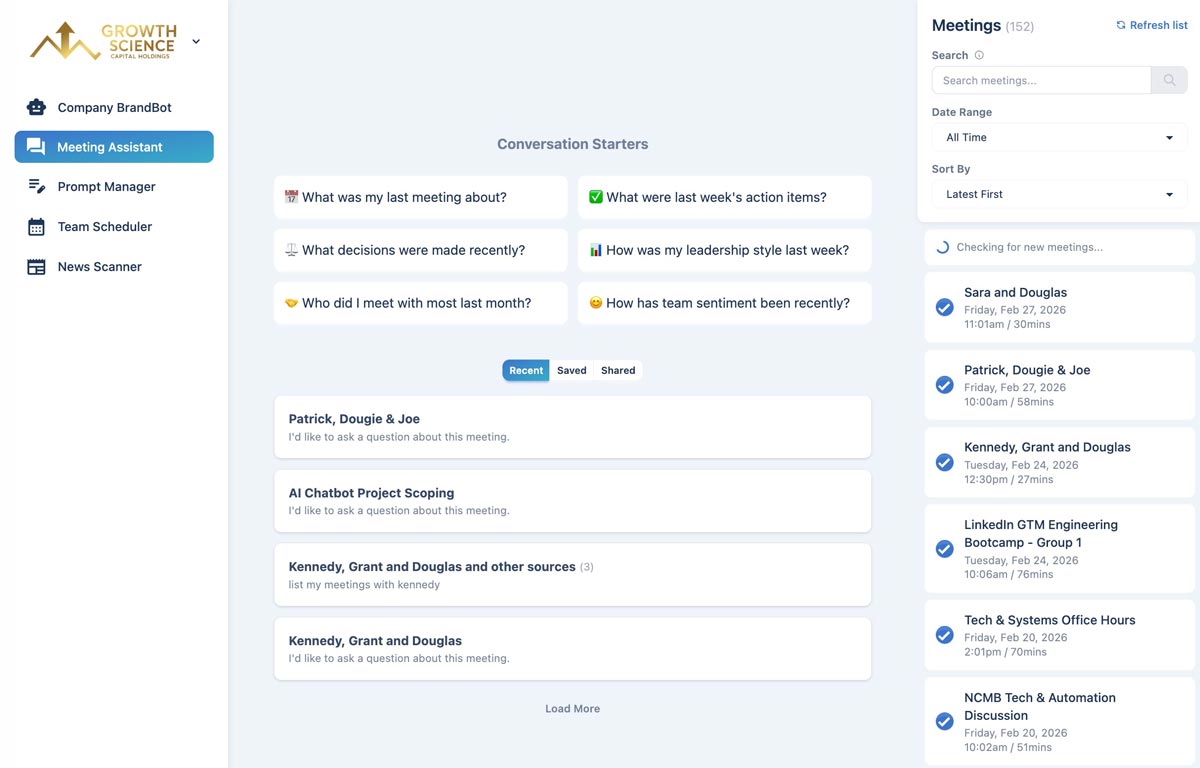
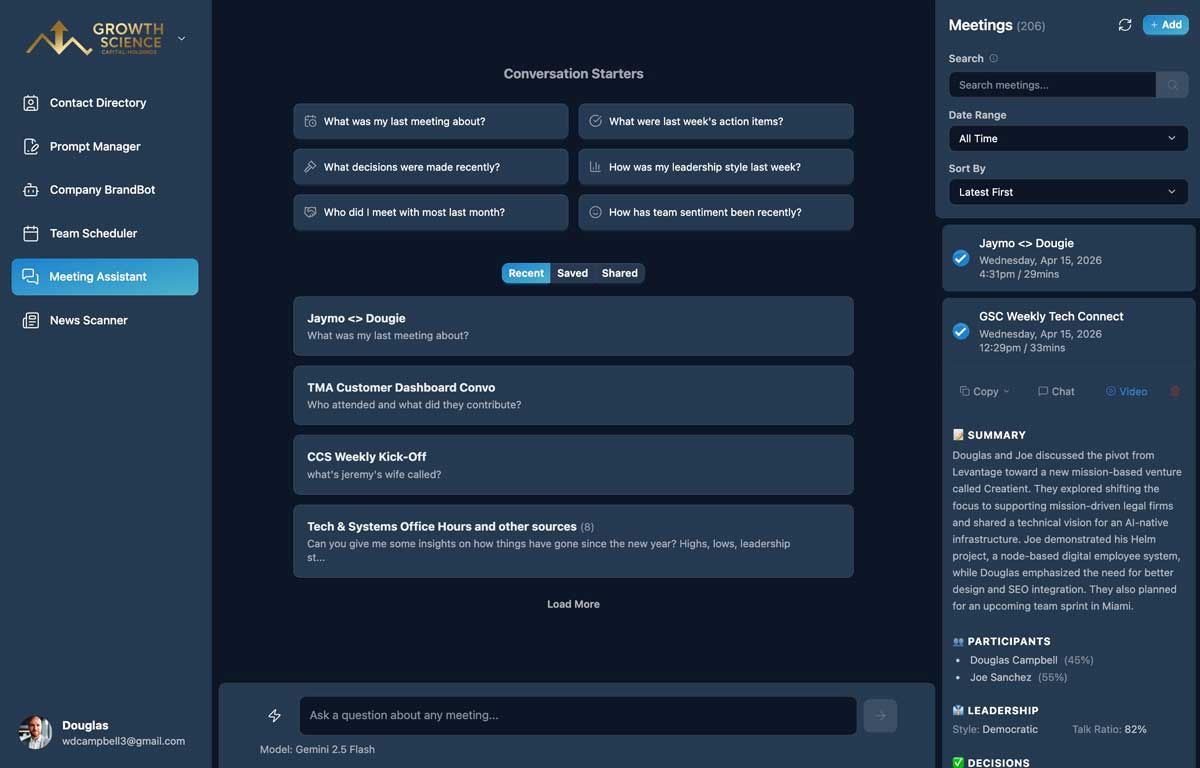
Built to be trusted
Your data stays yours. No training on it, no lock-in, no surprises.
"TeamCentral transformed how our team works together. Seeing meeting availability across organizations was a huge upgrade, and we rely on it for on-brand copy and visuals, meeting summaries, and sharper sales calls. Best of all, we use it right from Claude."

Jeremy Pollack
Secured by industry leaders
Ready to work smarter?
Join the teams already using TeamCentral to unlock the value in their meetings and workflows.
Frequently Asked Questions
Choose a plan on our pricing page and create your account in minutes. We offer Individual, Professional, and Organization tiers — no invitation required.
Yes. Meeting Assistant, Prompt Manager, and News Scanner work great solo. Team Scheduler, Company BrandBot, and the Contact Directory are designed for organizational use, but many solo users still find the rest of the suite valuable on its own.
Yes. All data is encrypted in transit (TLS 1.3) and at rest (AES-256), and stored in Google Firestore with strict per-user access controls. Semantic search vectors live in Pinecone with isolated namespaces. We never share or sell your data. See our Privacy Policy for details.
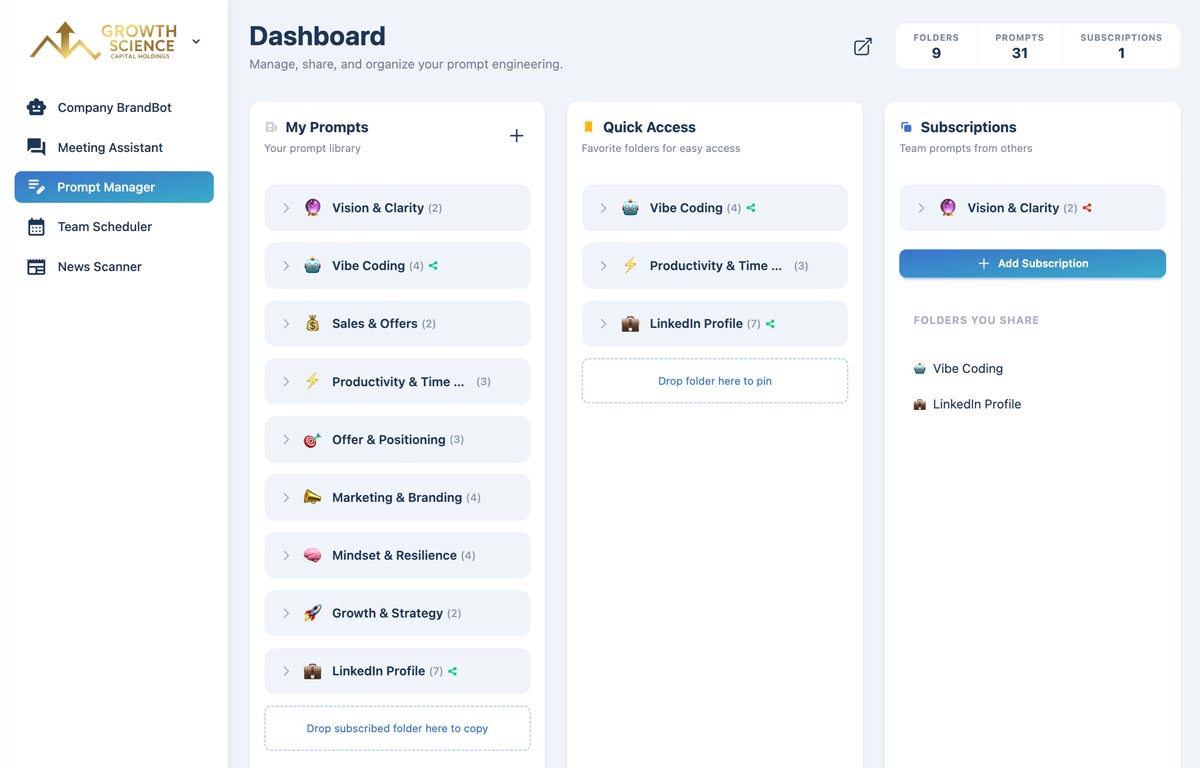
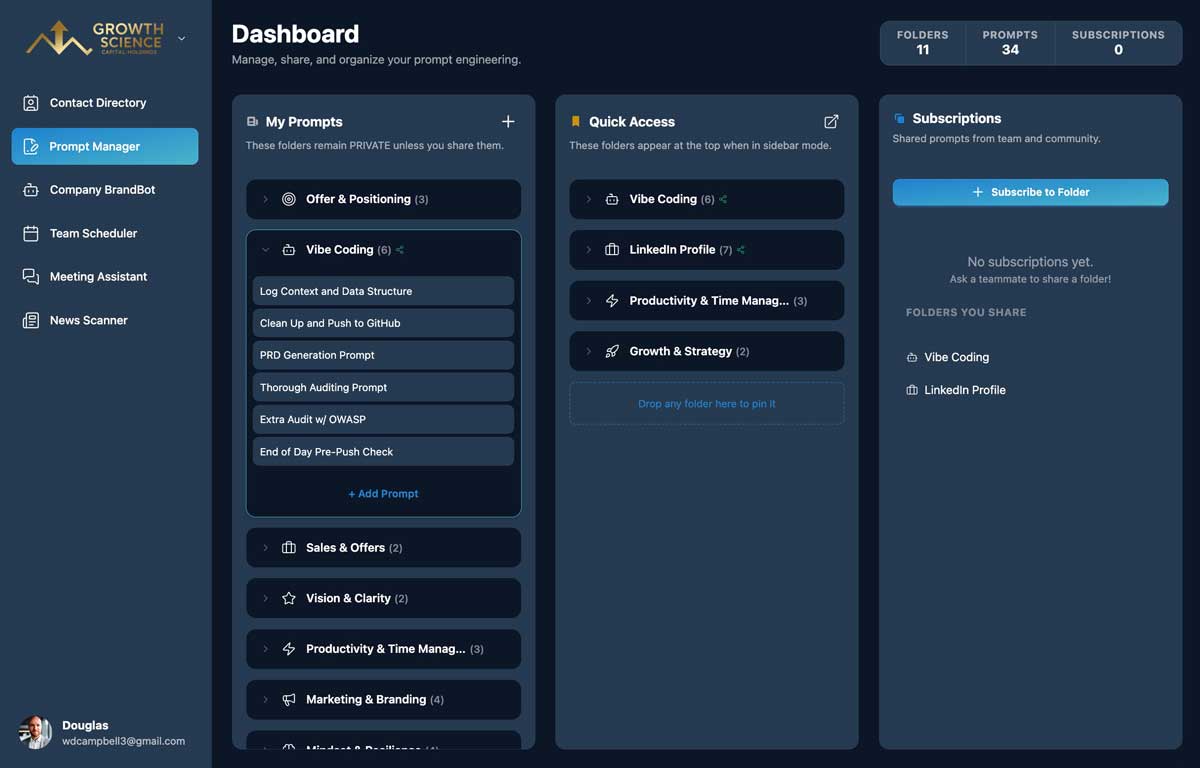
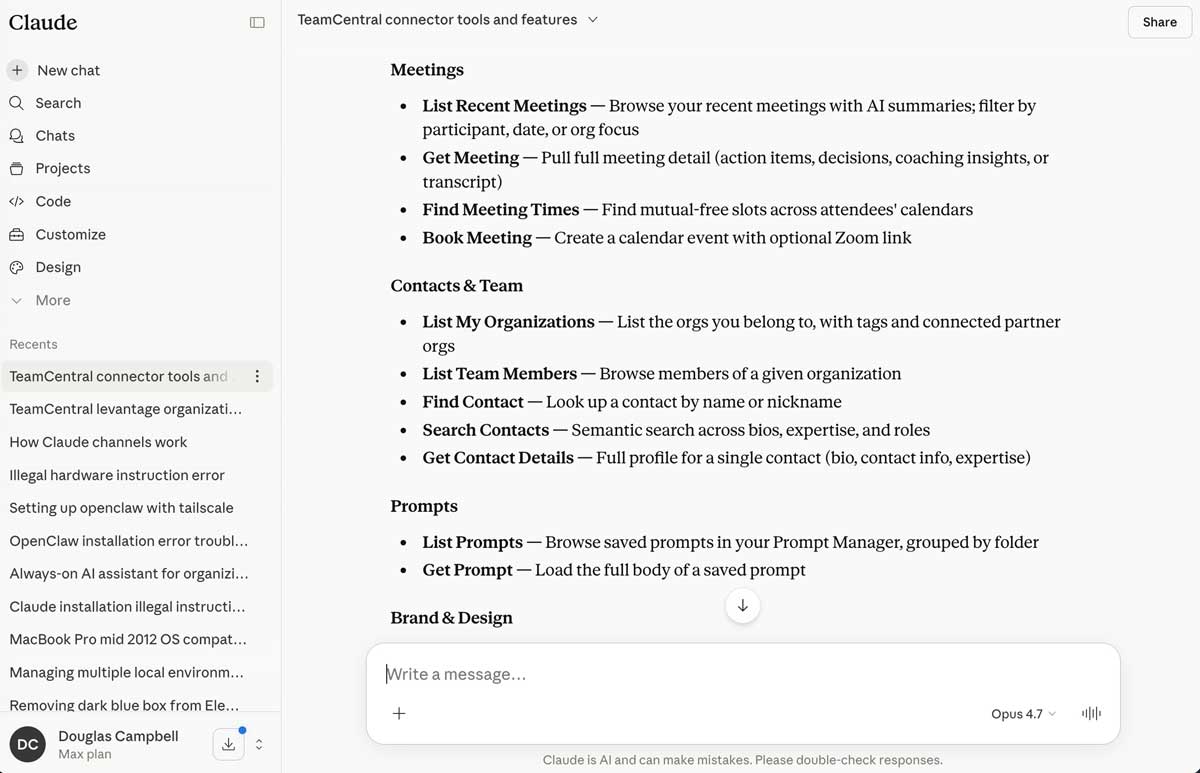
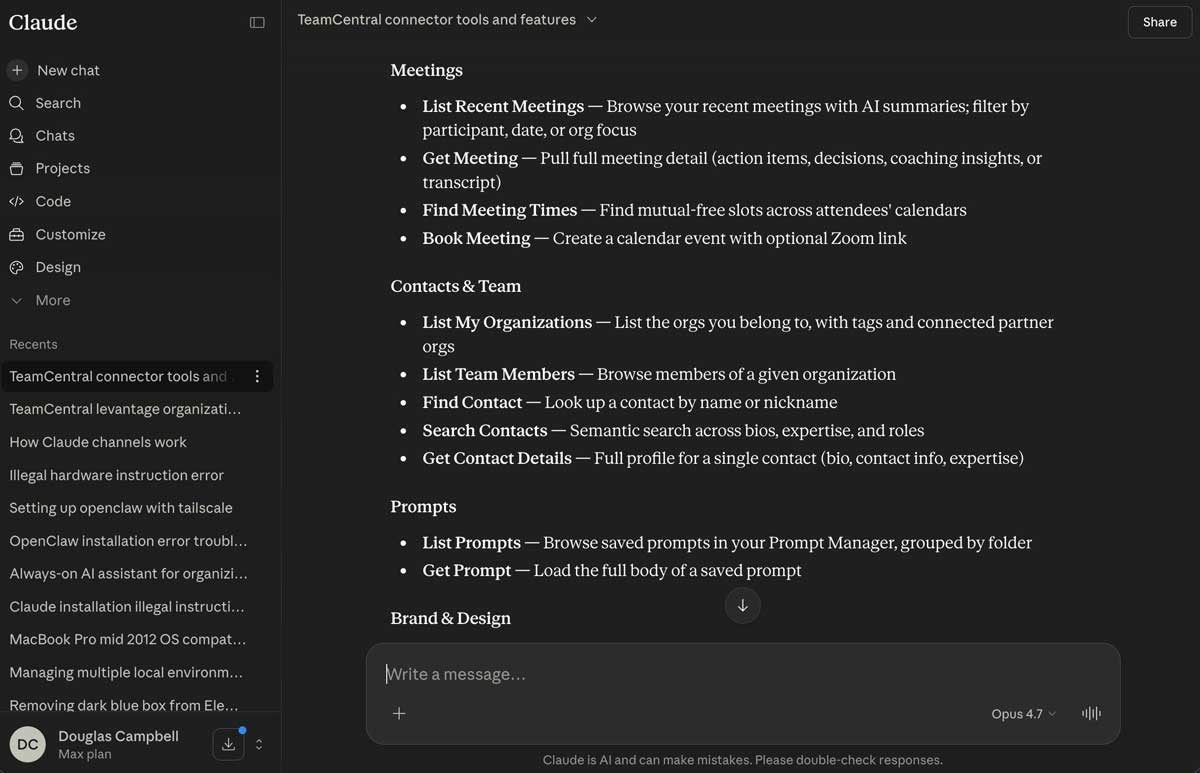
MCP (Model Context Protocol) lets you use TeamCentral directly inside Claude and ChatGPT — all from a normal chat conversation. Advanced users can build scheduled routines (like a daily 8 a.m. briefing email) with no code. The MCP Connector is available on every plan: Individual members get the core tools — find contacts, book meetings on your calendar, manage prompts, create shareable links, and send emails on your behalf. Professional and Organization plans add the AI-powered tools — search meeting transcripts, read news digests, and generate on-brand copy with BrandBot. The chat-accessible Design System — which lets Claude pull your organization's brand voice, colors, and templates into a conversation — is exclusive to the Organization plan.
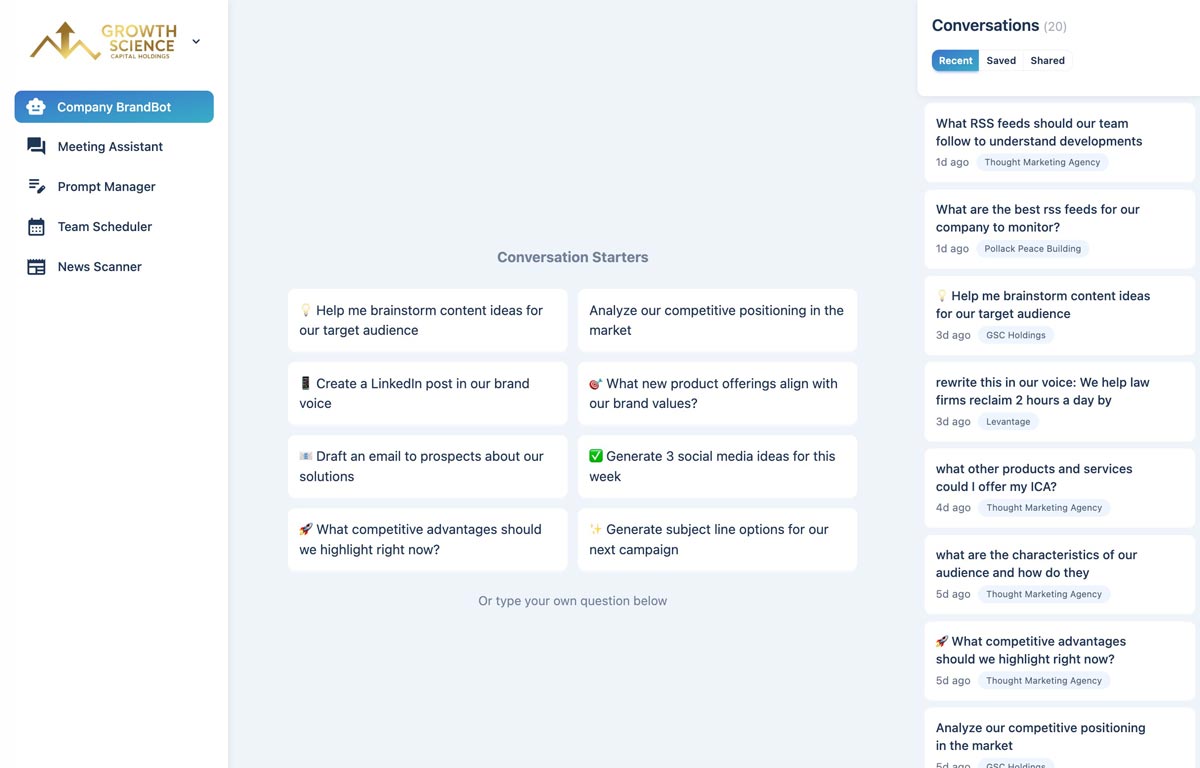
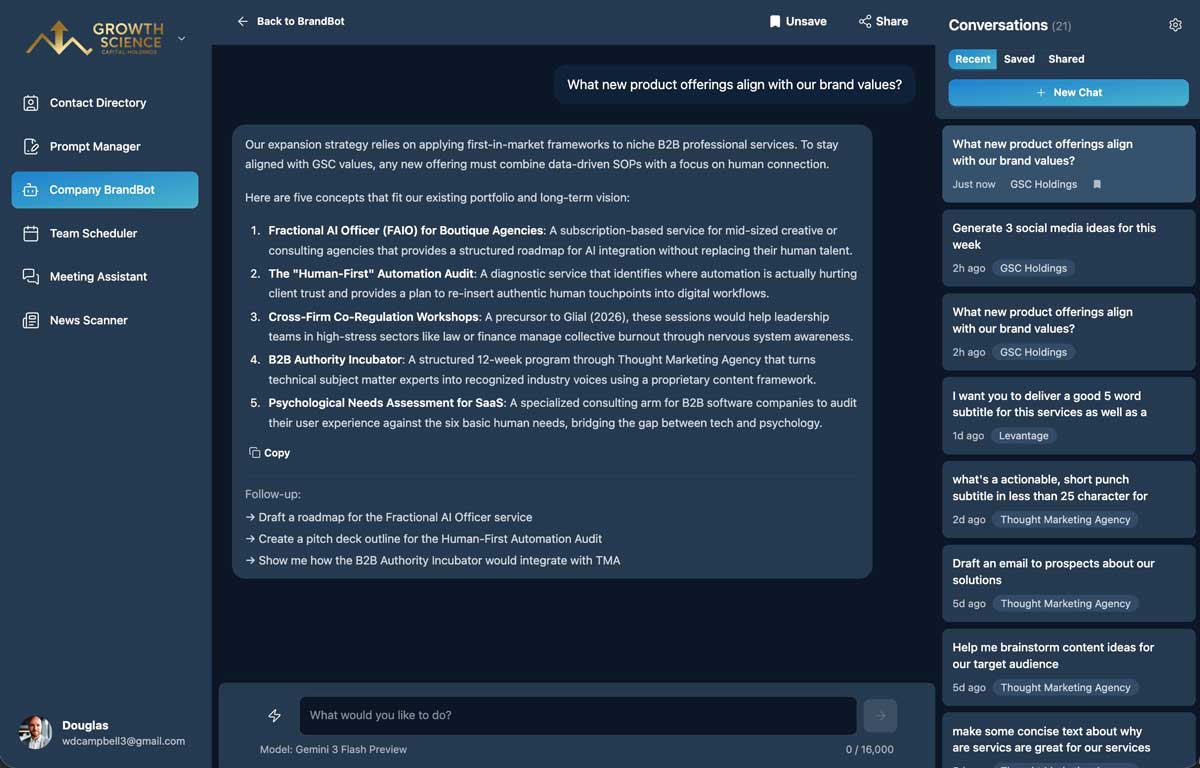
Yes. In your account's AI Training section, you fill in structured fields — Company Overview, Target Audience, Products & Services, Writing Tone & Style, Brand Guidelines — that BrandBot uses as context on every conversation. This isn't model fine-tuning; it's a curated brand brief the AI reads each time, which means updates take effect immediately and you stay in full control of what the AI knows. You can also auto-populate most fields by importing from your company website. On Organization plans, the training is shared across your team so everyone's content stays on-brand.
Meeting Assistant is designed to work automatically with Fathom, which we recommend because it offers a generous free tier — connect it once and every recorded meeting flows in automatically. You can also upload transcripts from any other platform (Zoom, Google Meet, Otter, Granola, etc.) manually. Either way, the AI indexes the content so you can chat across all your meetings — searching by participant, date, topic, action items, and more.
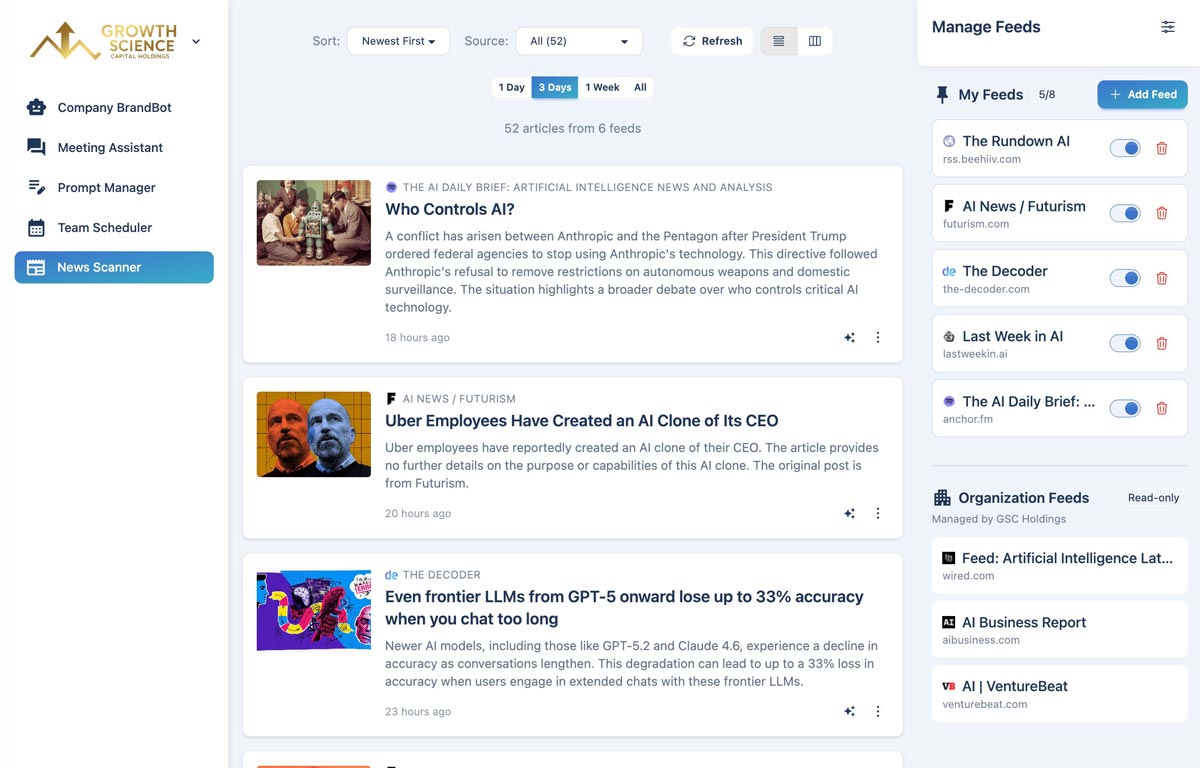
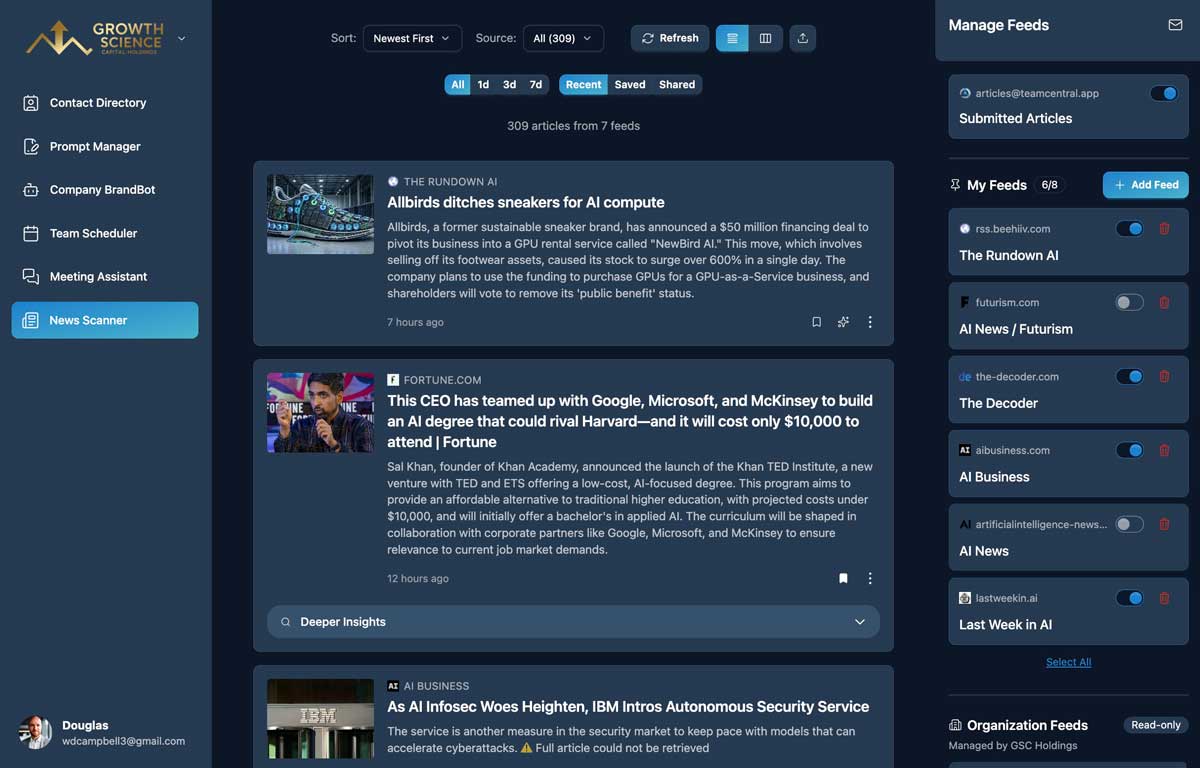
News Scanner subscribes to any RSS feed you point it at and uses AI to summarize each article — so instead of skimming dozens of headlines, you get a concise digest of what actually matters. Organization users get deeper analysis and a daily email digest delivered straight to their inbox, making it easy to stay current with industry news in minutes rather than hours.
Team Scheduler integrates with Google Calendar. Team members connect their calendars via OAuth, and the scheduler builds a real-time availability heatmap across the whole team.
We use best-in-class models via OpenRouter — including Claude, GPT, Gemini, and DeepSeek — selected dynamically based on cost and capability. You benefit from the latest AI without needing to manage model subscriptions.
Yes. You can switch between monthly and yearly billing at any time through your account settings. Switching to yearly billing saves up to 37% compared to monthly. Changes take effect at your next billing cycle.
Upgrades give you immediate access to new features, with payment prorated for the remainder of your billing cycle. Downgrades let you keep premium features until the end of your current billing period, then your plan automatically adjusts at renewal.
Organization plans include 2 team member seats. You can purchase additional seats for $12/month each. Seats can be added or removed anytime through your account settings, with changes prorated to your billing cycle.
Yes — there are no long-term contracts or cancellation fees. Cancel anytime from your account settings and you'll retain access to paid features until the end of your current billing period. We accept all major credit cards (Visa, Mastercard, American Express, Discover) through Stripe. For Organization plans, we can also arrange annual invoicing — contact hello@teamcentral.app for details.
Still have questions? Contact our support team.
Start unlocking your team's potential
We offer individual, professional and organization tier plans.
Create Your Account